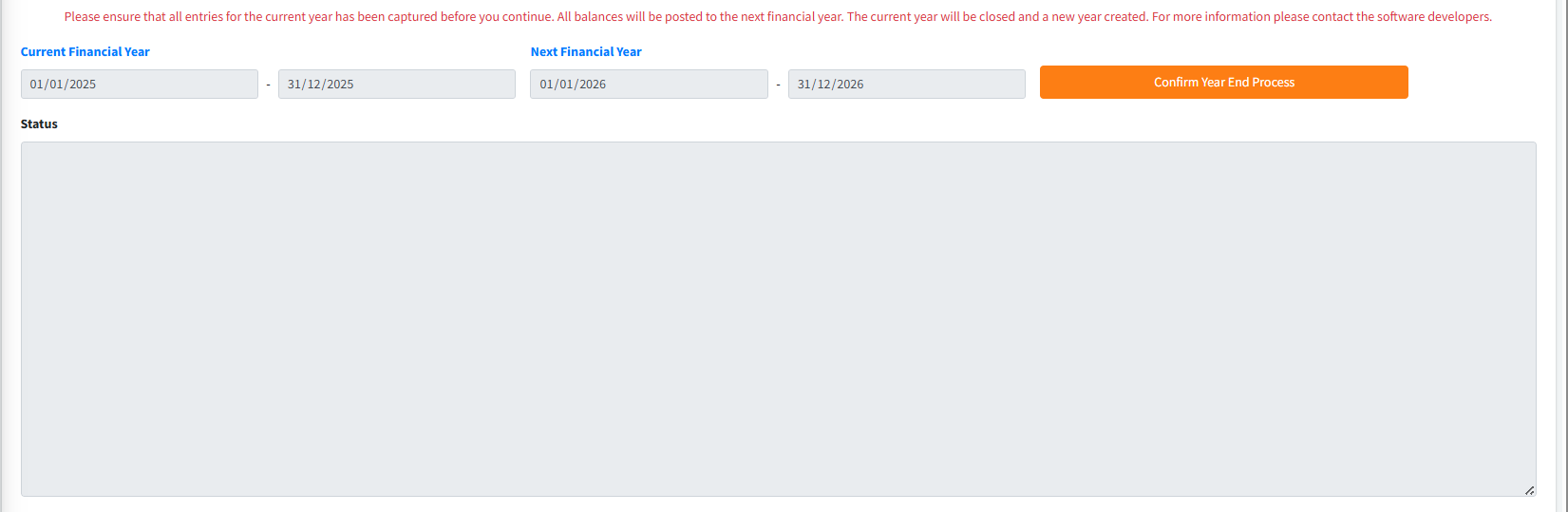
The End of Year (EOY) module is a critical high-security procedure that closes the institution’s current financial year and initializes the next fiscal period. This process involves a series of mandatory system validations to ensure data integrity, followed by three primary stages: End of Month Processing, EOY Closure, and Opening Balance Generation. This ensures that all General Ledger accounts are accurately carried forward to the new year.
PURPOSE
- Enforce complete financial accuracy before closing a fiscal period.
- Automatically transfer current year balances to the opening period of the new year.
- Validate that no outstanding or unauthorized transactions exist across any branch.
- Synchronize all Control Accounts (Teller, Mobilizer, GL) to a zeroed or reconciled state.
- Formally transition the system calendar to the next financial year.
STEP-BY-STEP GUIDE
Step 1 — Accessing the Module
- Navigate to Admin Setup module and select End of Year from the main nav.
- Pre-Requirement: Ensure all users are logged out of the system except for the administrator performing the procedure. Perform a full Database Backup first.
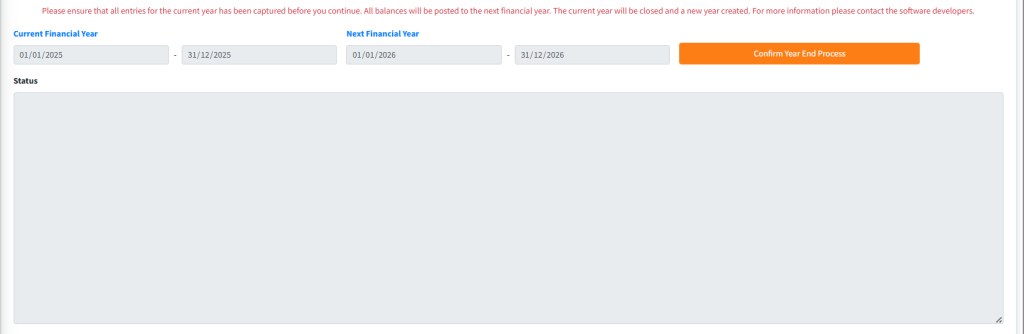
Step 2 — Reviewing Current Year Parameters
- Verify the Current Start Date and Current End Date displayed in the read-only fields. The system will process all data within this range.
- Select the New Financial Year from the dropdown menu to define the target period.
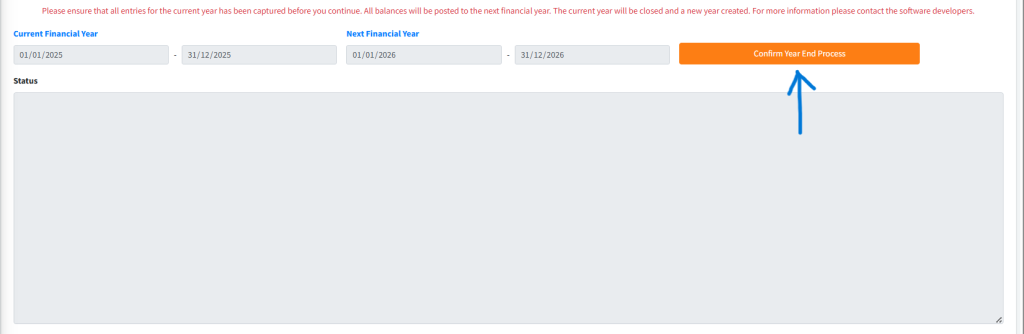
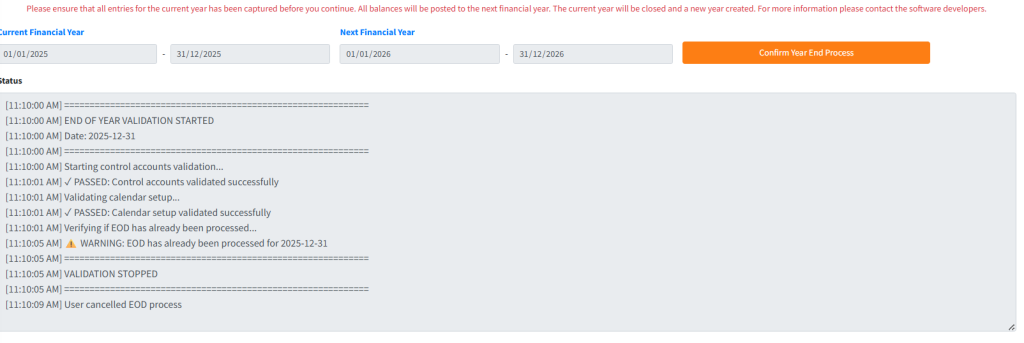
Step 3 — Initiating System Validation Click the Confirm Year End Process button. The system will launch a multi-point validation engine:
- Control Account Check: Verifies GL mapping is complete.
- Calendar Check: Ensures the next year is properly configured in the system calendar.
- Unauthorized Entries Check: Scans all branches for transactions pending approval. If found, the process will stop.
- Teller & Mobilizer Fund Check: Ensures all field agents and tellers have zero balances in their control accounts (funds must be transferred to the vault/bank).
- GL Balance Check: Verifies that the General Ledger is perfectly balanced (Debits = Credits).
Step 4 — Handling Multi-Stage Processing Once validation is successful, the system will proceed automatically through three phases:
- End of Month (EOM): The system first executes a complete EOM to close the final month of the year.
- EOY Closure: The financial year status is updated to “Closed,” and current balances are finalized.
- Opening Balance Generation: The system calculates the opening state for every GL account for Jan 1st of the next year.
Step 5 — Finalizing & Reloading
- A success message (“End of Year Processed Successfully!”) will appear once the balances are generated.
- The page will auto-reload to reflect the new active financial year.
KEY NOTES
- Irreversibility: The EOY process is permanent. Reversing it requires complex database intervention. Always verify your data before clicking ‘Confirm’.
- GL Difference Handling: If a GL difference is found, the system offers a prompt to transfer the difference to a Suspense Account. This is only recommended for minor discrepancies after a thorough manual audit.
- Transaction Freeze: No other transactions can be posted in ANY branch while this process is running.