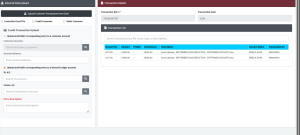
Back Office
Transaction Upload
The Upload Customer (Transaction Upload) module provides a streamlined solution for bulk importing financial data into Sikasoft via Excel files. This utility allows administrators to seamlessly process
The Upload Customer (Transaction Upload) module provides a streamlined solution for bulk importing financial data into Sikasoft via Excel files. This utility allows administrators to seamlessly process
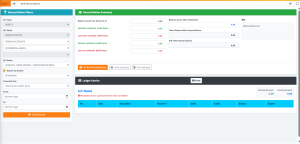
The Bank Reconciliation module provides financial administrators the tools to systematically compare internal financial records against external bank statements. It features an intuitive, dual-panel layout where users
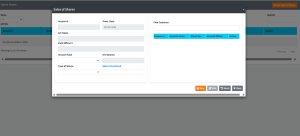
The Sales of Shares module facilitates the purchase of institutional shares by cooperative members. Members can increase their stakes or become official shareholders by purchasing “Ordinary Shares”.
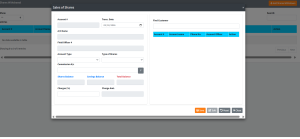
The Shares Withdrawal module allows administration to formalize and process the withdrawal or liquidation of a member’s shares. Due to the sensitive nature of share liquidation in
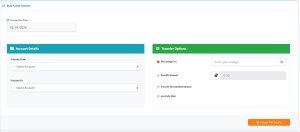
The Bulk Funds Transfer module is a powerful administrative tool that allows users to move funds simultaneously across all customer accounts from one product type to another.
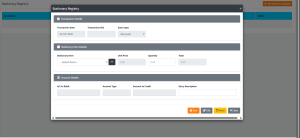
The Stationary Registry page provides a unified dashboard and process flow for managing the intake and outtake of the institution’s physical stationary stocks (e.g., passbooks, deposit books,
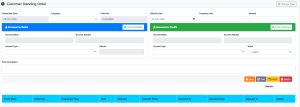
The Standing Order page is a central hub for managing automated, recurring funds transfers between accounts. This module allows staff to schedule regular payments (like loan deductions
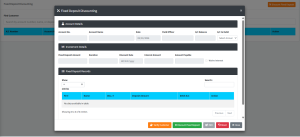
The Fixed Deposit Discounting page provides a secure interface to prematurely terminate or “discount” a customer’s active Fixed Deposit investment before its original maturity date. This module